
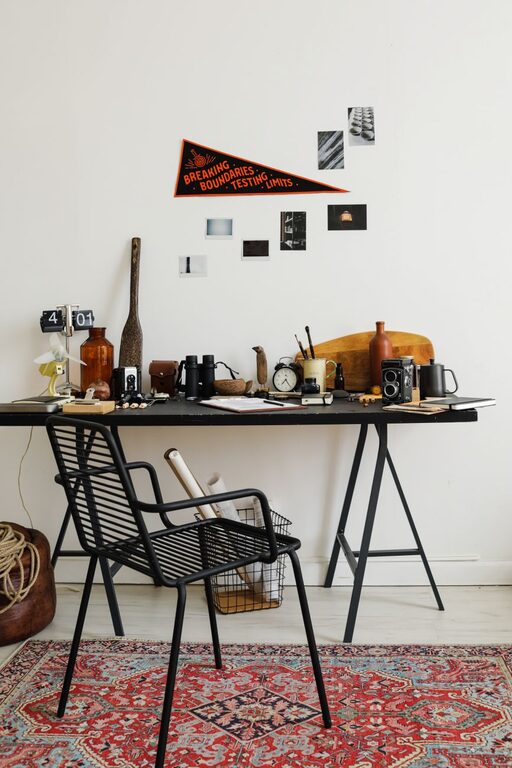
Creating a comfortable and inspiring workspace doesn’t have to take hours. Sometimes, just a quick refresh can make all the difference in how you feel and function throughout your workday. If you’re short on time but want to boost your focus and energy, here’s a straightforward guide to refresh your workspace in just ten minutes.
Why Refresh Your Workspace?
A cluttered or uninspiring workspace can affect your concentration and motivation. Refreshing your space helps clear mental and physical clutter, making it easier to tackle your tasks with a fresh perspective. Even small changes can create a more inviting and productive environment.
Before You Start: Set a Timer
Ten minutes goes by fast! To keep yourself on track, set a timer on your phone or computer. Having a clear deadline helps you focus and avoid getting distracted by non-essential tasks.
Step 1: Clear the Surface (3 minutes)
Start by clearing your desk or main working area. Remove everything that doesn’t need to be there:
– Put away loose papers, notebooks, or folders.
– Clear away mugs, plates, or other non-work-related items.
– Toss any trash, such as scraps of paper or food wrappers.
– Wipe down your desk surface with a clean cloth or disinfecting wipe.
A clean surface instantly makes your space feel more open and ready for productivity.
Step 2: Organize Essentials (3 minutes)
Now that your surface is clear, organize the items you use daily:
– Group pens, pencils, and other stationery in a holder or small container.
– Stack notebooks or planners neatly to one side.
– Arrange your computer, keyboard, and mouse ergonomically.
– Place your phone or tablet on a stand if you use them often.
Having your essential tools easily accessible reduces distractions and keeps you efficient.
Step 3: Add a Touch of Nature or Personal Flair (2 minutes)
Bringing a little life or personality to your workspace can lift your mood:
– Place a small plant or succulent on your desk or nearby shelf.
– Add a photo frame with a favorite picture or inspirational quote.
– Swap out an old calendar or wall art with a fresh one.
These small touches create a welcoming environment without taking much time.
Step 4: Adjust Lighting and Airflow (2 minutes)
Proper lighting and fresh air can make your workspace more comfortable:
– Adjust your blinds or curtains to allow natural light in, if possible.
– Turn on a desk lamp for extra brightness in darker corners.
– Open a window or door briefly to let in fresh air.
– Consider a small fan or air purifier if your space feels stuffy.
Better lighting and airflow help keep you alert and comfortable throughout your work session.
Bonus Tips for Maintaining a Fresh Workspace
Once you’ve refreshed your workspace, keep up the momentum with these quick habits:
– Spend 5 minutes at the end of each day tidying your desk.
– Limit personal items to a few favorites to avoid clutter.
– Regularly check your storage areas and donate or recycle unused items.
– Schedule a weekly ten-minute refresh session to maintain order and inspiration.
Final Thoughts
Refreshing your workspace doesn’t require a big overhaul. By focusing on simple, quick actions like clearing clutter, organizing essentials, adding personal touches, and optimizing lighting, you can create an environment that supports your productivity and well-being. Next time you feel stuck or distracted, try this ten-minute refresh to give yourself a fresh start.